Shooting
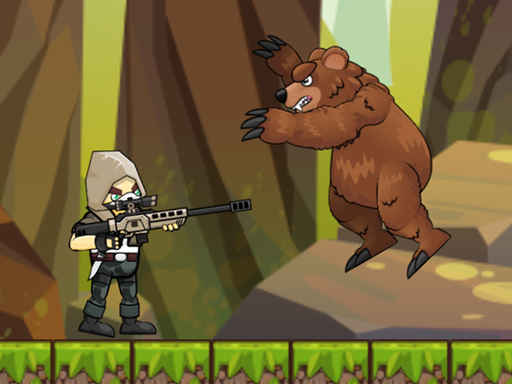
Mr. Hunter 2D
4.63,371
Join Mr Hunter for an exciting 2D shooting adventure featuring stunning visuals. Navigate through 50 unique levels, each teeming with diverse enemies, offering endless entertainment. Enjoy a relaxed yet thrilling gaming experience that keeps you engaged from start to finish.
Recommended Games
Viking Adventure Hunter
Effortlessly controlled gameplay offering quick learning and seamless enjoyment.
4.66,285

Arrow Survival: 15 Seconds
Navigate using A D keys or left right arrows. Jump with W key or up arrow, spacebar. Fire arrows using J key or X. Restart level with R. Pause game using P.
4.45,983
Zombie Survival Shooter
Use mouse for navigation and interaction. Click to select items or confirm actions. Drag to move characters or objects. Hover over elements for additional information.
4.64,703

Stan The Man
Use mouse clicks to interact with elements in the game to progress.
5.06,189
Space Rocket 1
Right bottom click mouse to select or interact with elements in the game. This action allows players to engage with objects, characters, or options located at the lower right part of the screen, enhancing interaction and control within the game environment.
4.97,377

World War 2: Strategy Games
Mouse control offers intuitive navigation. Frequent rewards enhance engagement. WW2 themed, turn-based tactical warfare. Bridges can be destroyed or repaired, adding strategic depth. Utilize radar technology to uncover enemy positions, gaining a tactical advantage. Explore more at gamesmunch.com.
4.83,206
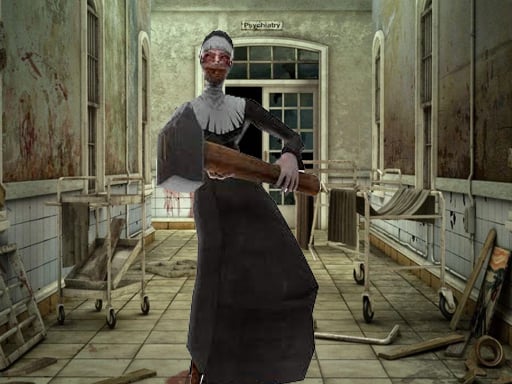
Lets Kill Evil Nun
W A S D to move around Mouse to look around Left mouse button to shoot Right mouse button to aim Mouse wheel to switch weapons G to throw grenades R to reload F to pick up items Left Shift to sprint Left CTRL to crouch X to prone V
5.06,782
The Squid Sniper
Navigate and interact using your mouse. Click to select, drag to move objects, hover for additional options or information. Use mouse movements to control actions within the game environment, enhancing exploration and engagement.
4.76,430
Strike Galaxy Attack
Click or tap on the screen to interact and play.
4.64,095
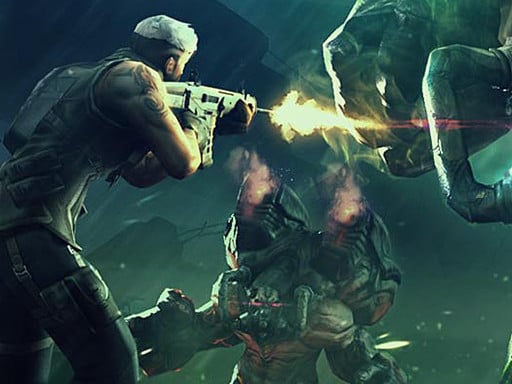
Assault Fury
Press right mouse button to aim, left to shoot. Use R for reloading and Tab to pause.
4.66,918

Undead Walking
Move left with the Left arrow, right with the Right arrow, use Z to fire, X to reload, and C to deploy a bomb.
4.63,279

Archery legends
Aim Tap and hold to aim at your target, adjusting for accuracy. Shoot Release to fire your arrow. Control Consider the wind's direction, adjusting your aim to compensate and guide your arrow correctly.
4.47,723
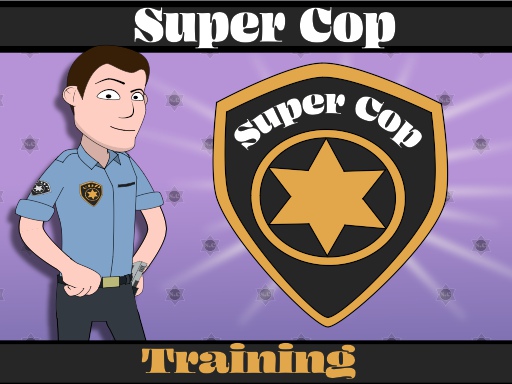
Super Cop Training
Use the left mouse button or tap to aim and shoot enemies accurately. Adjust your aim for different distances and angles to score direct hits.
4.64,746
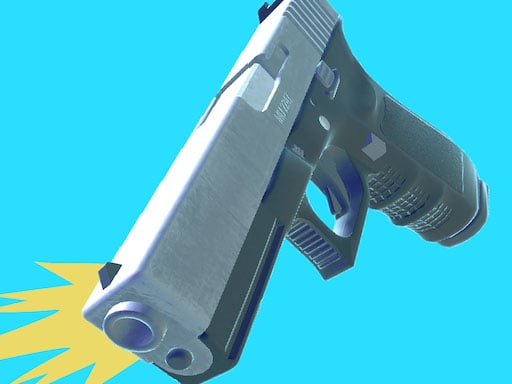
Gun Sprint
Tap to rotate the weapon Adjust the angle for longer jumps
4.66,749
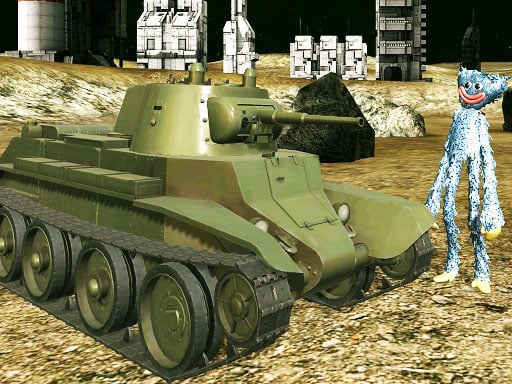
Realistic Tanks Poopy War
Navigate menus with Tab. Use WASD keys for movement. Aim and shoot using your mouse. Adjust zoom level by scrolling your mouse wheel. Control camera angles with your mouse.
4.23,607

Sky Battles
Use cursor to navigate and interact with elements in the game environment. Move the cursor to point at desired locations or objects, click to select or trigger actions. This interactive method allows for intuitive exploration and engagement within the game.
4.13,516
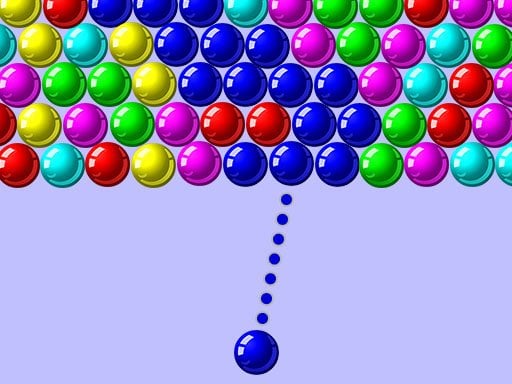
Bubble Shooter 1000
In mouse fingers players use their fingers to control characters on screen. Tapping and swiping gestures guide these characters through various challenges. Objective is to accumulate points by completing tasks or defeating obstacles. Game features increasing difficulty levels requiring quicker and more precise finger movements.
4.96,444
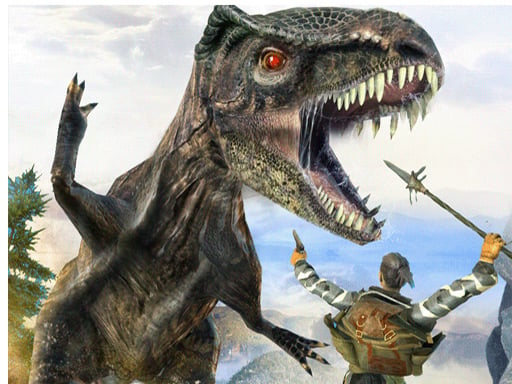
DINOSAUR HUNTING DINO ATTACK Jigsaw
Utilize the right mouse button to aim and the left to shoot. Navigate your character with the arrow keys on the keyboard.
4.43,475
Vector Incremental
In this version, players navigate using only their mouse. Clicking and dragging controls movement and interactions within the game environment. The interface is designed to be intuitive, allowing players to explore and engage with the game world seamlessly through precise mouse movements and clicks.
4.16,067